
If you want to know where to get free sound effects for video editing, here is the short answer. Start with YouTube Audio Library, Pixabay, and Mixkit.
You can use their sounds in your videos for free, and their rules are easy to understand. If you need a rare sound, like a squeaky gate or rain on a tin roof, try Freesound.
Just check the license on every file.
That was the 30-second answer. The rest of this post covers what most guides skip: which free sounds can still get your video flagged.
Where to Get Free Sound Effects for Video Editing, Sorted by What You’re Making
Instead of one long list, let’s pick a source based on what you are making.
Are you uploading to YouTube or Shorts?
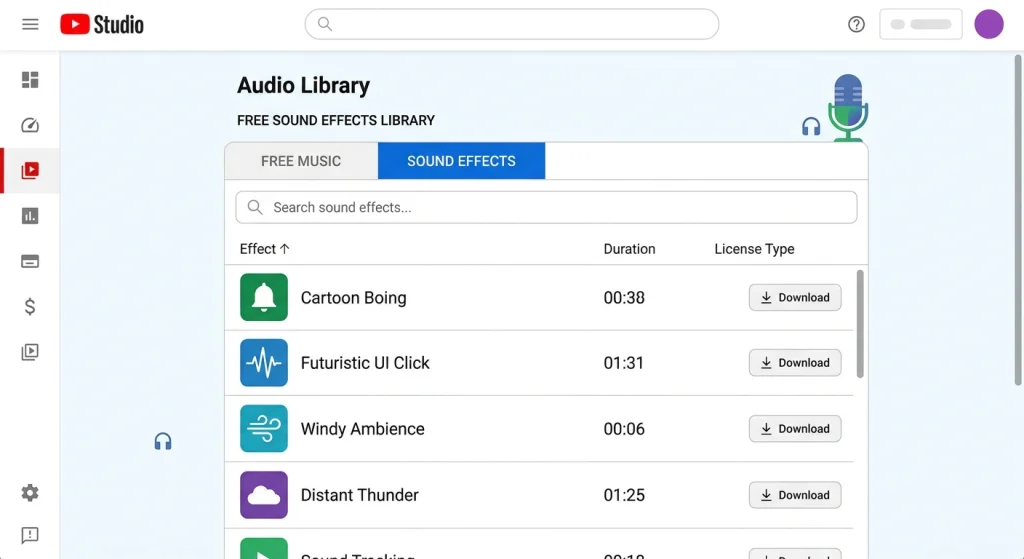
Open YouTube Studio and go to Audio Library. Then pick the sound effects tab. These sounds are made for YouTube videos, so this is the safest choice.
But remember, the library is built for YouTube. Check the terms before using these sounds on other platforms.
Are you doing a quick edit in CapCut or another mobile editor?
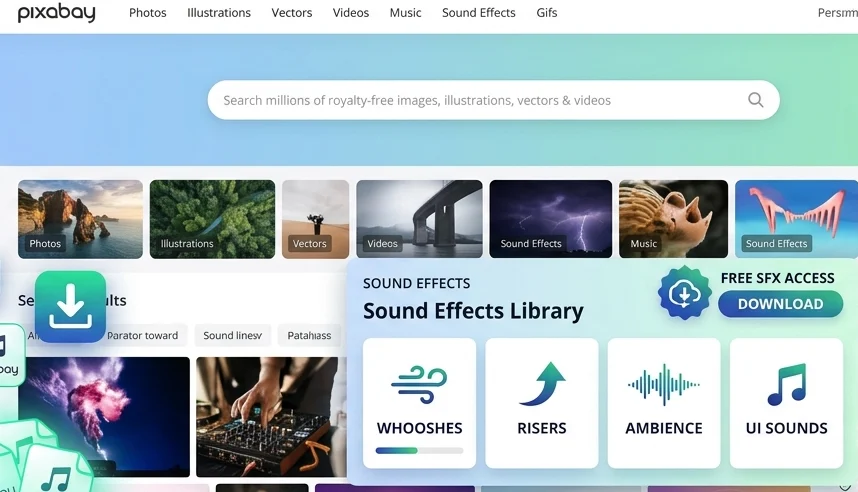
Pixabay is the easiest. Download the MP3, save it in one folder, and import it into your editor. Pixabay’s license usually lets you use sounds in videos without giving credit.
But you cannot upload the sounds again as your own sound pack.
Do you need whooshes, transitions, and click sounds?
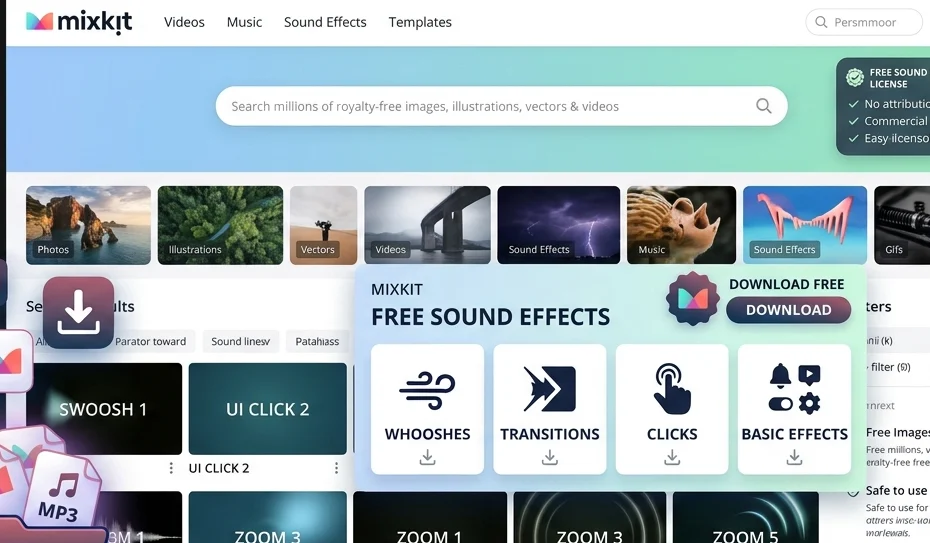
Try Mixkit. The library is small, but the sounds are clean, and the rules are short. If you only need basic effects, you may not need any other site.
Do you need something special or strange?
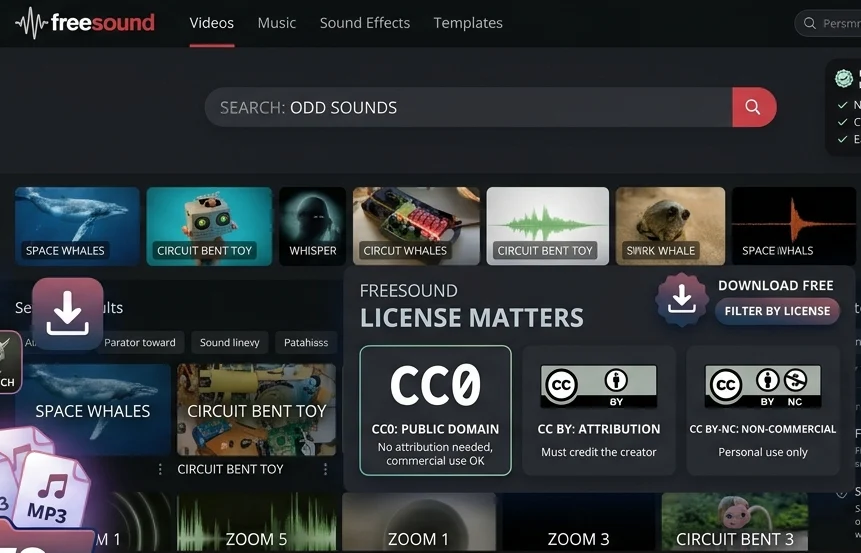
Freesound is the best place. It has almost everything. But every file has its own license:
- CC0: Free to use. No credit needed.
- CC BY: You can use it, but you must give credit to the creator in your description.
- CC BY-NC: Only for non-commercial use. If your channel is monetised, skip it.
Use the license filter before you search. If you don’t, you may fall in love with a sound and then find out you can’t use it.
Do you want a big library with lots of choices?
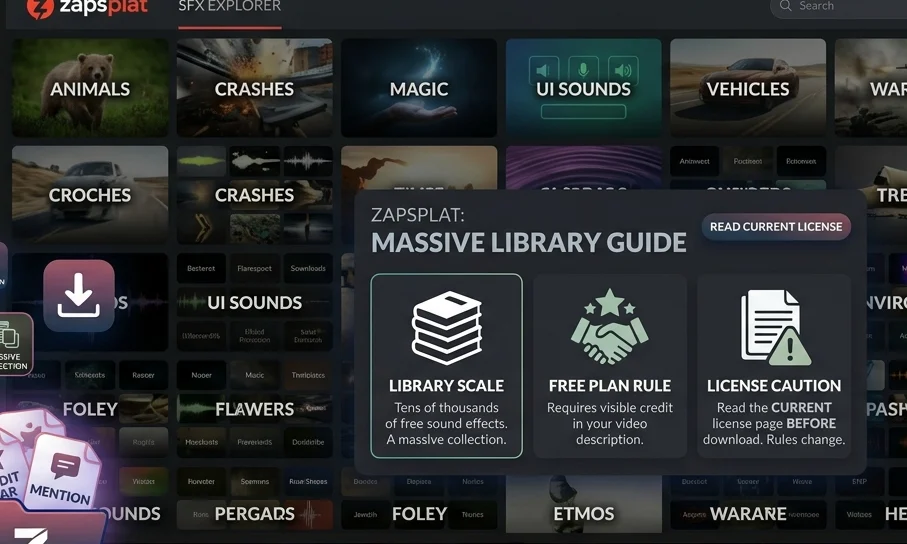
Zapsplat has a large collection. The free plan usually needs credit. Their rules can change, so read the current license page before you download.
Quick Comparison of Free Sound Effect Sources
Here is everything in one place, so you can pick fast.
| Source | Best For | Credit Needed? | Monetized Use | Watch Out For |
|---|---|---|---|---|
| YouTube Audio Library | YouTube videos and Shorts | Check each file | Yes, on YouTube | Built for YouTube, so check terms for other platforms |
| Pixabay | Quick edits, reels, vlogs | Usually no | Usually yes | Don’t re-upload sounds as a sound pack |
| Mixkit | Whooshes, UI sounds, transitions | Usually no | Usually yes | Small library |
| Freesound | Rare and unusual sounds | Depends on the license | Only CC0 and CC BY | Skip CC BY-NC files |
| Zapsplat | Big variety | Usually yes on free plan | Yes, with rules | Terms can change |
Licenses can change, so treat this table as a starting point. Always open the license page once before you download.
The 10-second license check
Before you put any sound in your timeline, ask yourself:
- Can I use it in monetised videos?
- Do I need to give credit?
- Can I find the license page easily?
If the answer to the third question is no, don’t use that sound. A site that hides its license often has a reason.
Sounds that look free but aren’t
This is where most beginners make mistakes.
- Movie, anime, and game sounds. A site that says free Marvel sound effects download is not really free. These sounds are taken from copyrighted work. They are a common reason for copyright claims.
- Random packs inside editing apps. Some apps label sounds as commercial or non-commercial. If there is no label, don’t trust it. Use a sound from the sources above.
- Misunderstanding royalty-free. It usually means you don’t pay every time you use the sound. It does not mean there are no rules.
When I first used free sound effects in my videos, I almost picked one from a random website without checking its license.
Since then, I always verify usage rights before using any sound, because free to download doesn’t always mean free to use.
A tiny folder system that saves hours
You don’t need fancy software. You just need a good habit.
Make one main folder called SFX. Inside it, make small folders like whoosh, click, ambience, and impact.
Name each file with its source, like whoosh_soft_pixabay.mp3. Also keep a simple text file. Write the source and license type of every sound in it.
Months later, if you get a claim, this file will help you a lot. If a license needs credit, paste it in your video description right away.
Mistakes worth avoiding
Too many effects. If you add a sound to every text pop, your video starts to feel like a cartoon. Use effects only where they help.
Wrong volume. Effects should be lower than your voice and music. If viewers notice the sound before the content, it is too loud.
Skipping the headphone test. Phone speakers hide clicks and hiss. Listen with headphones before you export.
I once added too many sound effects to a short video, making it feel distracting rather than professional. Now I only use effects where they actually improve the viewing experience.
FAQs
1. Can I use free sound effects in monetised videos?
Yes, but only if the license allows commercial use. Sounds from Pixabay and Mixkit are usually fine.
2. Do I always need to give credit for free sound effects?
No. It depends on the license. CC0 sounds need no credit. CC BY sounds need credit.
3. Can I use sound effects from movies, games, or anime?
No. These sounds are copyrighted, even if a website offers them as a free download.
Conclusion
You don’t need a paid library to make good videos. You need two or three trusted sources, the habit of checking licenses, and a little control over how many effects you use.
This week, start with YouTube Audio Library or Pixabay. Build your SFX folder as you go, and keep a small license note for every sound.
Licenses can change, so check the site’s terms before using a sound in a monetised video.
